


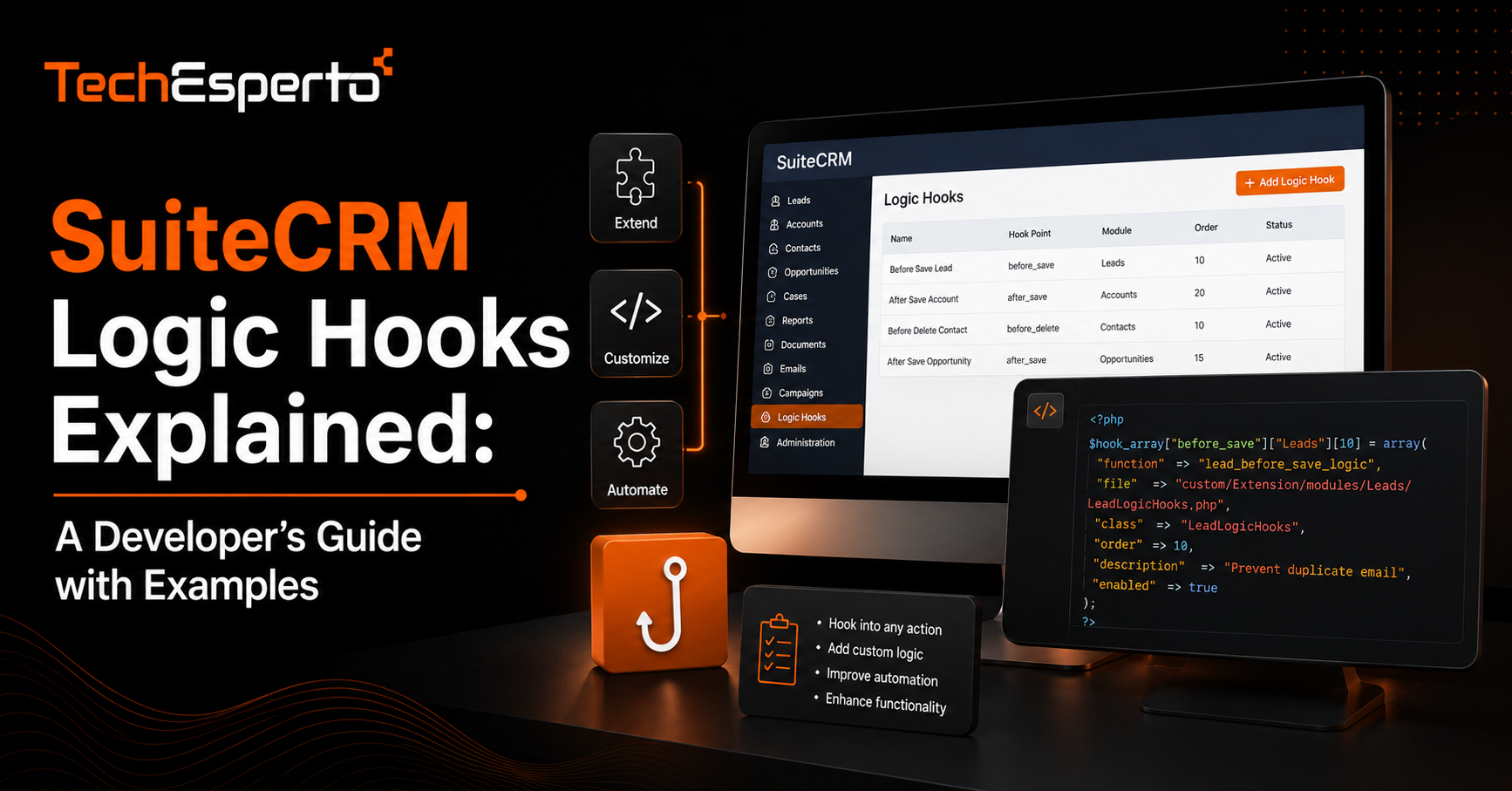
SuiteCRM Logic Hooks Explained: A Developer’s Guide with Examples
SuiteCRM logic hooks are one of the most powerful ways to extend the platform’s behavior, letting you run custom code automatically when specific events happen inside the CRM. This guide covers what logic hooks actually are, the different types available, practical examples of how they are used, and the mistakes that cause them to slow down or destabilize a CRM instance when they are written carelessly. Whether you are a developer new to SuiteCRM or a business owner trying to understand what your dev team is building, this walks through the concept in plain terms.
What a Logic Hook Actually Is
A logic hook is a piece of PHP code registered against a specific module and a specific event, such as saving a record or deleting one. When that event occurs, SuiteCRM automatically executes the associated hook without any manual trigger. This is different from a scheduled report or a workflow rule that checks conditions on a timer. A logic hook fires the instant the event happens, which makes it the right tool whenever timing matters.
The Main Types of Logic Hooks
SuiteCRM organizes hooks by where in the record lifecycle they fire, and choosing the right one matters as much as writing the code itself.
before_save and after_save
before_save runs prior to a record being written to the database, which makes it useful for validating or modifying data before it is stored. after_save runs once the record is already saved, which is the right choice when your hook needs to act on data that must already exist, such as triggering a notification or updating a related record.
before_delete and after_delete
These hooks fire around record deletion. They are commonly used to clean up related records or log deletions for audit purposes, since SuiteCRM does not always cascade these actions automatically.
process_record and list_view_parse_query
Less commonly used but valuable for specific cases, these hooks let you modify how records are processed in bulk views or how list queries are constructed, which is useful when you need custom filtering logic that the standard UI does not expose.
Practical Examples of Logic Hooks in Use
Seeing how hooks are applied in real scenarios makes the concept concrete.
Automatic Field Population
A common use case is an after_save hook on the Leads module that automatically fills in a missing field, such as assigning a default source value when a lead arrives from an integration that does not pass that data. This keeps records complete without relying on a rep to fix it manually.
Cross-Module Updates
Hooks are frequently used to keep related modules in sync. For example, when an opportunity is marked won, a hook can automatically update the related account’s status or create a follow-up task, work that would otherwise require someone to remember to do it by hand. This kind of logic often overlaps with broader SuiteCRM customization work, since hooks rarely operate in isolation from the rest of a custom build.
Enforcing Business Rules
Some businesses use before_save hooks to block a record from saving entirely if it does not meet a required condition, such as preventing a deal from moving to a closed stage without a signed contract field populated. This turns a policy that would otherwise depend on manual discipline into something the system enforces automatically.
When to Use a Logic Hook Versus a Workflow
Not every automation need calls for a hook. SuiteCRM’s built-in workflow module can handle many of the same outcomes without custom code, and it is usually the better first option because it does not require a developer to maintain going forward. Hooks make sense when the logic is too complex for the workflow builder, when timing needs to be immediate rather than on the next scheduled run, or when the action needs to touch a system or module the workflow tool cannot reach directly. If you are unsure which approach fits, this is usually a conversation worth having with whoever handles your SuiteCRM consulting, since the wrong choice early on tends to get expensive to unwind later.
Common Mistakes That Slow Down a CRM Instance
Logic hooks are powerful, but poorly written ones are one of the most common causes of a sluggish SuiteCRM instance. A hook that runs a heavy database query on every single save, including bulk imports, can bring performance to a crawl. Hooks that are not scoped to specific conditions end up firing constantly, even when nothing relevant has actually changed. And hooks written without error handling can silently fail, leaving a business assuming an automation is running when it stopped working weeks ago. Any custom hook should be tested under realistic data volumes, not just against a handful of sample records, before it goes into a production environment.
Key Takeaways
Logic hooks let SuiteCRM execute custom code the instant specific events occur, which native workflows cannot always match for timing. Different hook types, such as before_save and after_save, are suited to different jobs depending on whether you need to modify data before it saves or act after it exists. Hooks are best used when workflow rules cannot handle the complexity or speed required, not as a default first option. And poorly scoped hooks are a leading cause of CRM performance problems, so testing under real data volume matters before deployment.
Frequently Asked Questions
What programming language are SuiteCRM logic hooks written in?
Logic hooks are written in PHP, since SuiteCRM itself is a PHP-based application, and hooks integrate directly into its module framework.
Can a logic hook be attached to any module in SuiteCRM?
Yes, logic hooks can be registered against any standard or custom module, which is part of what makes them so flexible for building business-specific automation.
Do logic hooks slow down SuiteCRM by default?
Not inherently, but poorly written hooks that run expensive operations on every save, without proper conditions or scoping, are a common cause of performance issues.
Should I use a logic hook or a workflow rule for my automation?
Start with a workflow rule if it can accomplish what you need, since it requires no custom code to maintain. Move to a logic hook only when the timing or complexity genuinely exceeds what the workflow builder supports.
Do I need a developer to write logic hooks?
Yes. Logic hooks involve writing and testing custom PHP code within SuiteCRM’s architecture, which is different from configuring settings through the admin interface and typically requires development expertise to implement safely.