


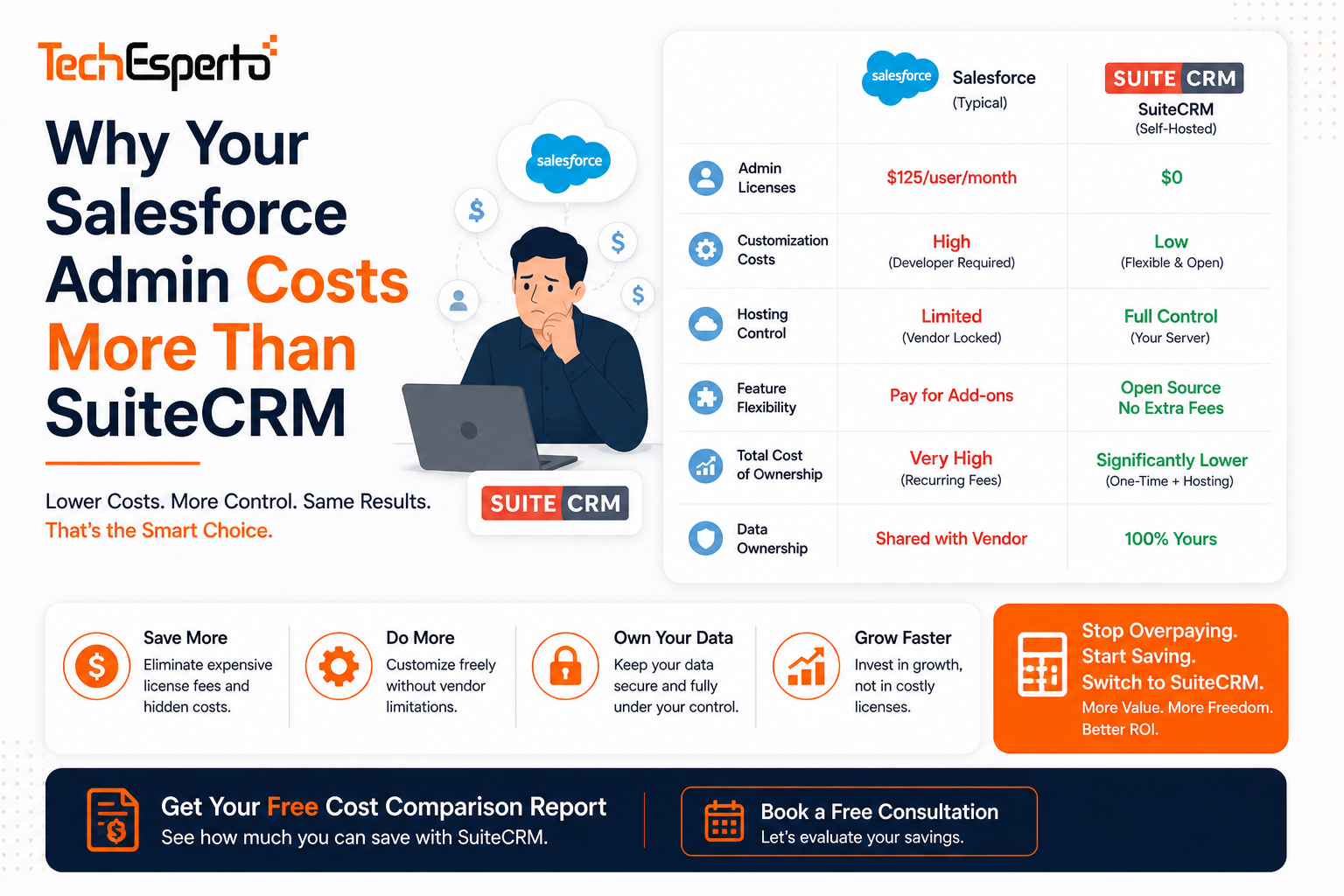
Why Your Salesforce Admin Costs More Than All of SuiteCRM
Your Salesforce admin earns $85,000–$110,000/year. That’s before benefits, training, and the $15,000–$25,000/year in consultant fees for the tasks even your admin can’t handle (Apex triggers, complex Flow Builder debugging, SOQL queries).
Meanwhile, SuiteCRM‘s entire annual cost — hosting, support, and AI integration — runs $8,000–$18,000/year. Your Salesforce admin’s salary alone is 5–10x your entire CRM alternative.
This isn’t about admin bashing — it’s about platform complexity creating unnecessary overhead. Here’s why.
Why Salesforce Needs a Dedicated Admin
Salesforce is enterprise software designed for enterprises. For mid-market companies (20–100 users), that complexity creates a full-time job managing it:
User management. Creating profiles, permission sets, sharing rules, and field-level security. Salesforce’s security model has 6+ layers that interact — misconfigure one and data leaks or disappears.
Flow Builder maintenance. Salesforce replaced Workflow Rules and Process Builder with Flow Builder — a visual tool that looks simple but produces fragile automations that break when fields change or objects are modified. Your admin spends 10+ hours/month debugging flows.
Release management. Salesforce pushes 3 major releases per year. Each can break existing customizations, flows, and AppExchange integrations. Your admin spends 20+ hours per release testing and fixing.
Report building. Complex reports require SOQL knowledge. Cross-object reports need custom report types configured in the backend. Simple requests become multi-hour admin tasks.
AppExchange management. Each plugin needs compatibility checks, updates, and configuration. 5–8 paid AppExchange apps = constant maintenance overhead.
SuiteCRM’s Simpler Architecture
SuiteCRM was designed to be manageable without a dedicated administrator:
Studio — add fields, edit layouts, modify dropdowns. No code. No certification required. Any trained user can do it.
Workflow module — visual workflow builder that’s straightforward. No Flow Builder fragility. Unlimited automations, free.
Module Builder — create custom modules without code. Salesforce equivalent requires developer skills.
Security Groups — team-based access in one clear layer. Not 6 overlapping security models.
Reports — custom reports without SOQL. Any admin builds cross-module reports.
No 3x/year release cycles breaking your customizations. Upgrades are on YOUR schedule, tested on YOUR staging environment.
For tasks beyond admin capability, TechEsperto support packages ($3,600–$12,000/year) provide expert help on demand — replacing a $90,000 salary with a fraction-cost service.
The Real Cost Comparison
| Cost Item | Salesforce | SuiteCRM |
| CRM licensing (30 users) | $59,400/year | $0 |
| Admin salary | $90,000/year | $0 (part-time internal or support package) |
| Consultant fees | $15,000/year | Included in support |
| Support package | $12,000/year (Premier) | $3,600–$12,000/year |
| AI capabilities | In licensing tiers | $5,000–$25,000 one-time |
| Annual total | $176,400/year | $8,000–$18,000/year |
Your Salesforce admin + licensing costs 10–20x more than SuiteCRM’s entire operation.
AI Makes the Gap Even Wider
In 2026, Salesforce adds Einstein AI to justify its premium pricing. But Einstein requires Enterprise+ tiers ($165/user) and additional per-user AI fees.
SuiteCRM + TechEsperto AI delivers lead scoring, deal prediction, email AI, and chatbots at $5,000–$25,000 one-time — no recurring per-user AI tax. Self-hosted AI keeps your data private. Choose any AI model. No vendor lock-in.
Your Salesforce admin can’t deploy AI without expensive Einstein licensing. On SuiteCRM, TechEsperto builds it once and it runs forever.
Who This Applies To
If you’re a 20–100 person company paying for a dedicated Salesforce admin — this is for you. Enterprise-scale organizations (500+ users) may genuinely need Salesforce’s complexity. Mid-market companies don’t. They’re paying enterprise prices for mid-market needs.
Ready to see the alternative? Contact TechEsperto for a free cost comparison using your actual Salesforce bill. We’ll show you what the same capabilities cost on SuiteCRM + AI — including the admin salary you’ll redirect to revenue-generating roles.
Get your free cost comparison →
FAQs
Q: Won’t I still need an admin for SuiteCRM? Not a dedicated one. SuiteCRM’s simpler architecture means a part-time internal admin (existing IT staff) + TechEsperto support package handles everything. No dedicated hire needed.
Q: What about complex customizations? TechEsperto handles development — Logic Hooks, custom modules, API integrations. On-demand expertise costs less than a full-time salary.
Q: Is SuiteCRM really simpler than Salesforce? For daily administration, yes. Salesforce’s power comes with proportional complexity. SuiteCRM provides 80% of the capability at 20% of the complexity. See our full comparison.
Q: Can my current Salesforce admin transition to SuiteCRM? Yes — their CRM knowledge transfers. The learning curve is 2–4 weeks. PHP basics help but aren’t required for admin tasks.
Q: What about Salesforce certifications our admin has? Certifications are Salesforce-specific and don’t transfer. But the CRM concepts, data architecture, and business process understanding are universal.
Q: Can you migrate us from Salesforce? Yes. TechEsperto handles complete Salesforce-to-SuiteCRM migrations — data, automations, integrations, AI, and training. Typical timeline: 8–14 weeks.
Q: What does the admin do after switching to SuiteCRM? Redeploy them to a revenue-generating role — sales operations, customer success, or business analysis. They already understand your data and processes. That’s more valuable than managing a CRM platform.
Q: What’s the first step? Contact us with your current Salesforce bill. We provide a free, detailed comparison within 48 hours.