


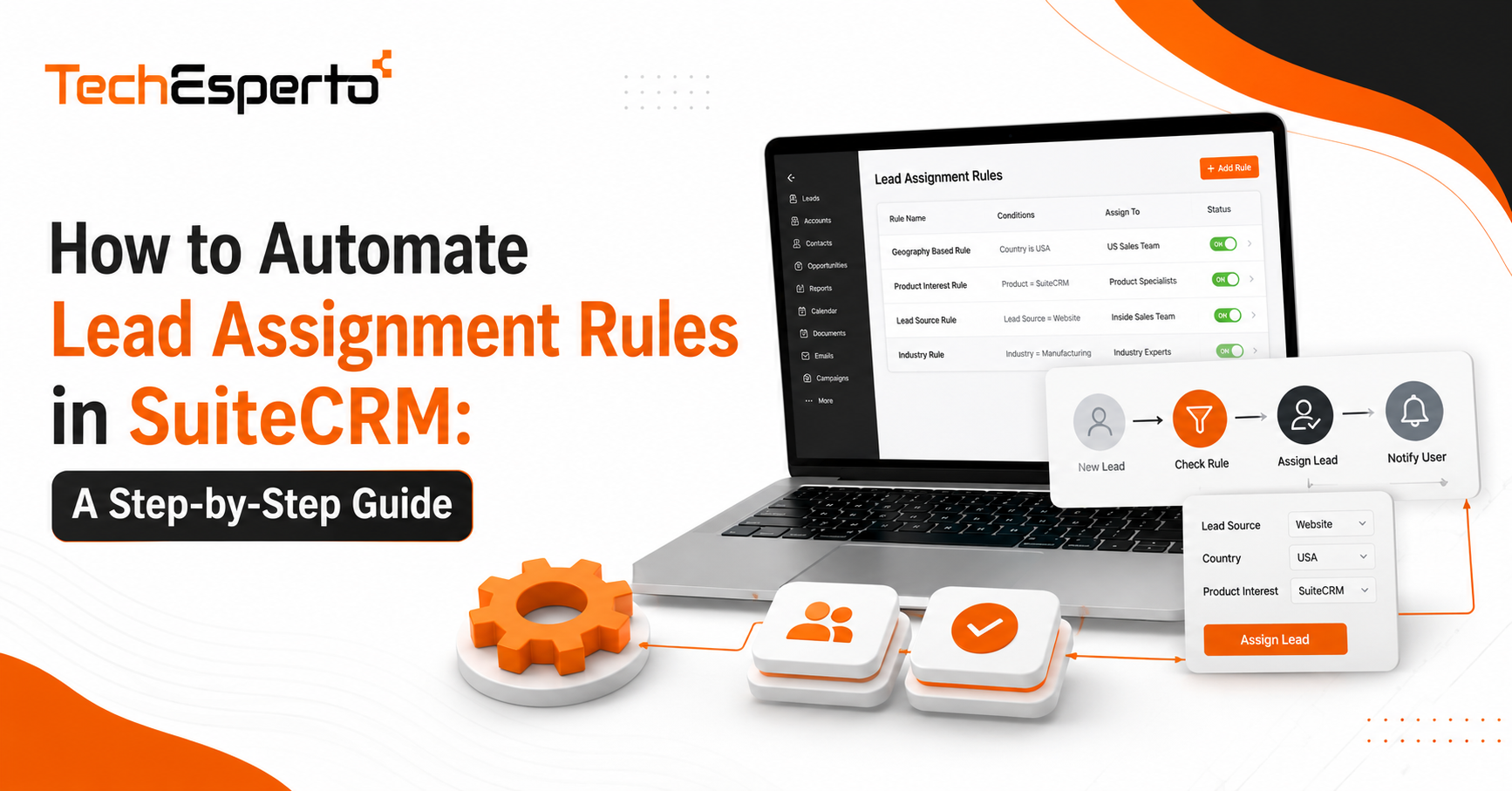
How to Automate Lead Assignment Rules in SuiteCRM: A Step-by-Step Guide
Lead assignment automation in SuiteCRM is the difference between a sales team that responds to new leads in minutes and one that lets them sit in a queue for hours while reps argue over whose turn it is. If you are still assigning leads by hand, or relying on a spreadsheet someone updates once a week, this guide walks through how SuiteCRM handles assignment natively, where its limits are, and how to extend it with logic hooks and workflow rules so leads reach the right rep the moment they arrive.
Why Manual Lead Assignment Breaks Down as You Scale
At ten leads a week, manual assignment feels manageable. A sales manager glances at the queue, picks a name, and moves on. That process falls apart quickly once volume climbs or the team grows past a handful of reps.
The usual failure points are predictable. Leads sit unassigned overnight because the person responsible for triaging them is out. Two reps end up working the same account because assignment happened twice. High-value leads get buried under a pile of low-quality form fills because there is no prioritization logic at all. None of these are people problems. They are process gaps that automation is built to close.
How SuiteCRM’s Native Assignment Tools Work
SuiteCRM ships with assignment options that cover a surprising amount of ground before you need to write a single line of custom code.
Round Robin Assignment
Round robin distributes incoming leads evenly across a defined pool of users. Each new record goes to the next rep in sequence, which keeps workload balanced and removes the appearance of favoritism. This works well for teams where most leads carry similar value and any rep can handle any lead competently.
Territory-Based Rules
For teams organized by geography, industry, or account size, SuiteCRM’s assignment logic can route based on fields already present on the lead record, such as region or company size. This keeps leads with the reps who already understand that segment, which shortens the sales cycle because context does not need to be rebuilt from scratch.
Assignment by Lead Score
If your CRM setup includes lead scoring, assignment rules can route high-scoring leads to senior reps and lower-scoring ones to a nurture queue or junior team. This ensures your best people spend time on the leads most likely to close rather than working every inbound record in the order it arrived.
Building Custom Assignment Logic with Logic Hooks
Native rules cover common cases, but most growing businesses eventually need assignment logic tied to something specific to how they sell, like a rep’s current open deal count or a product line they specialize in. That is where logic hooks come in.
Where Logic Hooks Fit in the Assignment Flow
A logic hook is a piece of code that runs automatically when a specific event happens in SuiteCRM, such as a new lead being saved. Instead of waiting for a scheduled workflow to check for new records, a logic hook fires the instant the record is created, which removes any delay between lead capture and assignment.
A Basic Example
A common pattern is an after_save hook on the Leads module that checks the rep’s current open lead count before assigning a new one, rather than simply cycling through names in order. This keeps the queue balanced by actual workload instead of just by turn, which round robin alone cannot do. Building hooks like this usually requires a developer familiar with SuiteCRM’s module framework, since a poorly written hook can slow down record saves across the system if it is not scoped correctly.
Connecting Lead Assignment to Your Wider Automation Stack
Assignment rarely works in isolation. Once a lead is routed, several other things typically need to happen at the same time.
Workflow Automation
Beyond assignment, most teams also want a notification sent to the rep, a follow-up task created, and a status update logged automatically. This is where broader workflow automation comes in, chaining these steps together so assignment is just the first event in a sequence rather than a standalone action.
API-Based Routing
If leads originate from multiple sources, such as a website form, a paid ad platform, and a partner referral system, assignment logic often needs to run before the lead even lands in SuiteCRM. Routing decisions can be made through API integration that scores and tags a lead as it enters the system, so SuiteCRM’s internal rules have clean data to act on rather than having to interpret it after the fact.
Common Mistakes That Undo Good Assignment Rules
Even well-designed assignment logic fails in practice for a few recurring reasons. Rules get built around a sales structure that has since changed, so leads keep routing to a territory model nobody uses anymore. Fallback rules are often missing entirely, so a lead with no matching criteria sits unassigned indefinitely instead of dropping into a default queue. And assignment logic is sometimes built directly into workflows without documentation, so when a rep leaves or a territory changes, nobody remembers which rule needs updating. Treating assignment rules as a living part of your CRM setup, reviewed on a schedule, avoids most of these problems before they cost you a lead.
If your current setup has grown into a tangle of overlapping rules, a broader SuiteCRM customization review is often faster than trying to patch individual rules one at a time.
Key Takeaways
Native SuiteCRM assignment tools, including round robin, territory rules, and score-based routing, handle most common scenarios without custom development. Logic hooks let you build assignment logic tied to real-time conditions like workload, something native rules cannot do alone. Assignment works best when it is connected to wider workflow automation and clean incoming data rather than treated as an isolated setting. And assignment rules need periodic review, since sales structures change faster than most CRM configurations get updated.
Frequently Asked Questions
Does SuiteCRM support round robin assignment out of the box?
Yes. SuiteCRM includes native round robin assignment logic that distributes incoming records evenly across a defined group of users without requiring custom development.
What is the difference between a workflow rule and a logic hook for assignment?
A workflow rule typically runs on a schedule or in response to a defined trigger within SuiteCRM’s built-in automation module, while a logic hook is custom code that executes immediately when a specific database event occurs, giving you more precise control over timing and conditions.
Can lead assignment be based on data that comes from outside SuiteCRM?
Yes, through API integrations that enrich or score a lead before it is created as a record, so SuiteCRM’s assignment rules can act on that data as soon as the lead arrives.
How do I know if my current assignment rules need to be rebuilt?
Signs include leads sitting unassigned for hours, reps working duplicate accounts, or rules that reference sales territories or products your business no longer uses in the same way.
Is custom lead assignment logic hard to maintain?
Not if it is documented and kept simple. Problems usually arise when custom hooks are layered on top of each other without records of what each one does, which is why periodic review matters as much as the initial build.