


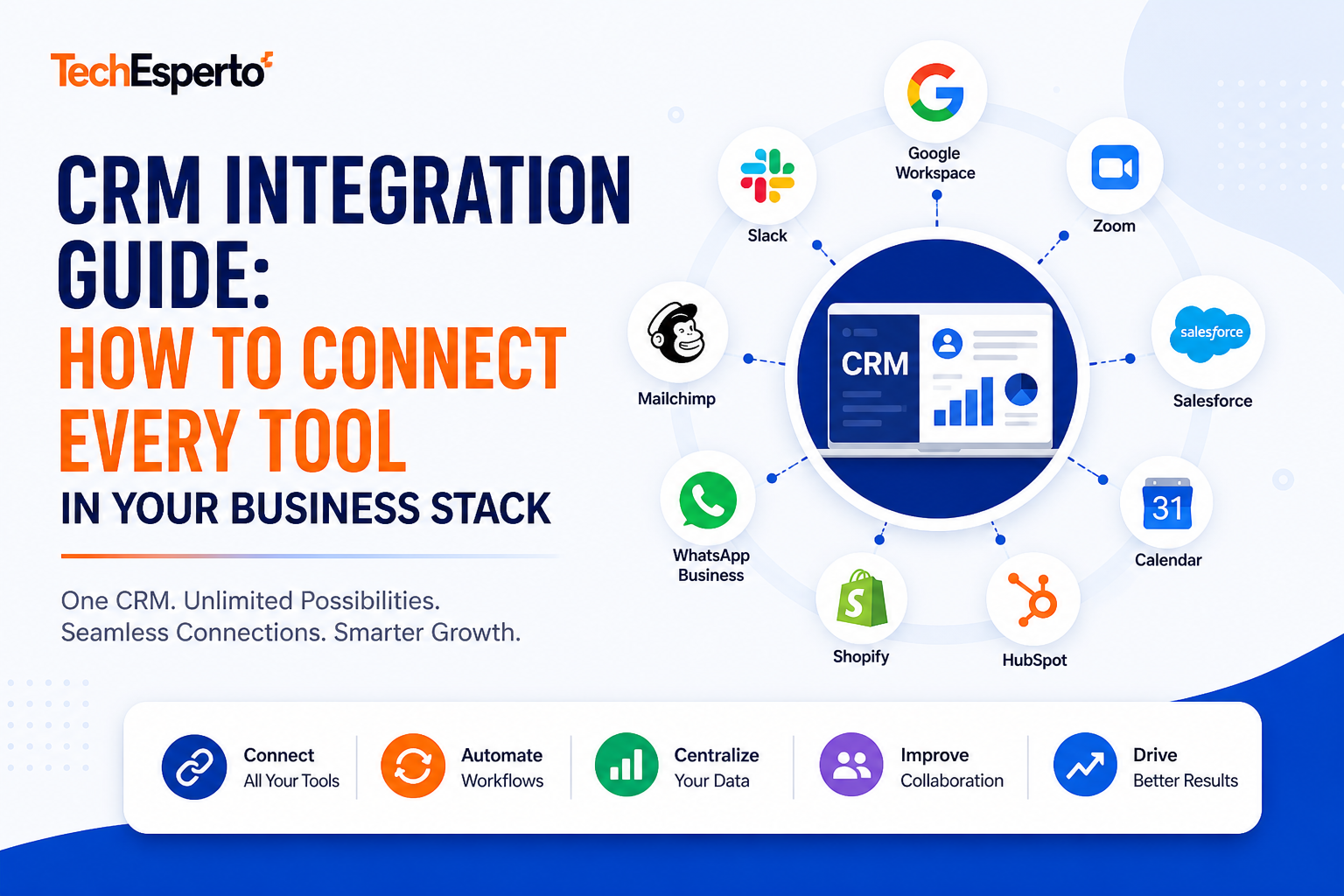
CRM Integration Guide: How to Connect Every Tool in Your Business Stack
A CRM that doesn’t talk to your other tools is a data silo. Your team enters contacts in CRM, re-enters invoices in QuickBooks, copies deal info to spreadsheets for the weekly meeting, and manually updates Slack when deals close. Information lives in 5 places and none of them agree.
Integrated CRM eliminates double entry, ensures data consistency, and creates a single source of truth. Every tool in your stack reads from and writes to CRM — automatically, in real time.
Here’s how to connect everything — from native integrations to AI-powered middleware.
The 3 Integration Methods
Method 1: Native REST API (Deepest Integration)
SuiteCRM’s REST API uses JSON:API specification with OAuth 2.0 authentication. Any application that speaks HTTP can create, read, update, and delete CRM records programmatically.
Best for: Bidirectional sync, real-time data flow, high-volume integrations, and custom business logic. Examples: QuickBooks invoice sync, ERP order integration, custom portal backends.
Cost: Custom development at $2,000–$8,000 per integration.
Method 2: Zapier / Make.com (No-Code Middleware)
Zapier and Make.com connect SuiteCRM to 5,000+ apps without code. Set up triggers and actions visually: “When a deal closes in SuiteCRM → create an invoice in QuickBooks → send a Slack notification → add to Google Sheet.”
Best for: Low-volume integrations (under 1,000 events/month), quick connections to marketing tools, and prototyping before building native integrations.
Cost: Zapier $20–$100/month. Make.com $9–$50/month. Zero development cost.
Method 3: AI Middleware (2026 Approach)
AI integration acts as an intelligent middleware layer — receiving data from multiple sources, understanding context, normalizing formats, enriching with external data, and routing to CRM fields intelligently.
Best for: Complex data ingestion (emails → CRM records, documents → structured data, chat → leads), multi-source aggregation, and intelligent routing decisions. Logic Hooks trigger AI processing on CRM events.
Cost: $5,000–$15,000 setup + $50–$300/month API costs.
Essential Integrations (Connect These First)
Email: Gmail / Outlook / IMAP
What it does: Sync emails between your inbox and CRM. Every email to/from a customer is logged in their Contact record. Calendar events sync with CRM Activities.
How to connect: Google Workspace integration via OAuth 2.0. SMTP/IMAP configuration for any email provider. Follow our email setup guide.
AI upgrade: AI email assistant drafts replies, summarizes threads, and detects sentiment — all logged in CRM automatically.
Accounting: QuickBooks / Xero
What it does: Sync invoices, payments, and customer financial data between CRM and accounting. When a deal closes in CRM, an invoice is created in QuickBooks automatically.
How to connect: Native QuickBooks integration or via Zapier/Make.
AI upgrade: AI reconciliation detects payment discrepancies and flags overdue accounts in CRM dashboards.
Phone / SMS: Twilio / WhatsApp
What it does: Make/receive calls from CRM. Send SMS appointment reminders. Log all communication automatically. WhatsApp business messaging for customer engagement.
How to connect: Twilio/WhatsApp integration via SuiteCRM plugins or REST API.
AI upgrade: AI call transcription extracts key points from sales calls and logs them in CRM. Sentiment analysis flags problematic conversations.
Marketing: Mailchimp / ActiveCampaign / Mautic
What it does: Sync CRM contacts with marketing lists. Trigger campaigns from CRM events. Import marketing engagement data (opens, clicks) back to CRM for lead scoring.
How to connect: Via Zapier/Make or REST API. SuiteCRM’s built-in Campaigns module may eliminate the need for external marketing tools entirely.
Collaboration: Slack / Microsoft Teams
What it does: Push CRM notifications to team channels. “New deal closed: $45,000 — Acme Corp!” “Lead score 85 — needs immediate follow-up.” “Case escalated — SLA breach in 2 hours.”
How to connect: Zapier/Make (quickest) or webhook integration.
Document Signing: DocuSign / PandaDoc
What it does: Send quotes and contracts for e-signature from CRM. Track signing status. Auto-update deal stage when signed.
How to connect: Via REST API or Zapier/Make.
Website: WordPress / Custom Site
What it does: Capture form submissions as CRM leads. Track website visitor behavior for lead scoring. Connect AI chatbot for 24/7 lead capture.
How to connect: Web-to-Lead forms via REST API. AI chatbot via REST API. Webhook events for real-time capture.
Industry-Specific Integrations
| Industry | Key Integration | Method |
| Healthcare | EHR/EMR systems | REST API |
| Insurance | Policy management systems | REST API |
| Manufacturing | ERP (SAP, NetSuite) | REST API |
| Construction | Project management (Procore) | REST API |
| Recruitment | Job boards (Indeed, LinkedIn) | REST API + Zapier |
| Automotive | DMS (Dealer Management System) | REST API |
| Accounting | Tax software, practice mgmt | REST API + Zapier |
| Real Estate | MLS, property portals | REST API |
| E-Commerce | Shopify, WooCommerce | Zapier or REST API |
Integration Cost Guide
| Integration Type | Method | Cost | Timeline |
| Email (Gmail/Outlook) | Native config | $0 (DIY) or $500 (assisted) | 1–2 hours |
| Calendar sync | Native config | $0 (DIY) | 30 min |
| QuickBooks/Xero | Plugin + config | $1,000–$3,000 | 1 week |
| Twilio/WhatsApp | Plugin + config | $1,000–$3,000 | 1 week |
| Slack/Teams notifications | Zapier/Make | $0–$100/month | 1 hour |
| Marketing tool sync | Zapier/Make | $20–$100/month | 1–2 hours |
| ERP integration | REST API custom | $5,000–$15,000 | 3–6 weeks |
| AI chatbot | Custom build | $5,000–$10,000 | 2–4 weeks |
| AI middleware layer | Custom build | $5,000–$15,000 | 4–6 weeks |
SuiteCRM vs Salesforce Integration
| Factor | Salesforce | SuiteCRM |
| API access | Professional+ only ($80/user min) | Free on every installation |
| Zapier/Make | Supported | Supported |
| AppExchange apps | 5,000+ | 100+ plugins |
| Custom integration cost | $5,000–$20,000 (Apex devs) | $2,000–$8,000 (PHP devs) |
| AI middleware | Einstein only | Any AI provider |
| Webhook support | Platform Events | Logic Hook + Webhook |
SuiteCRM’s open REST API means every integration is possible — and costs less because PHP development is more affordable than Salesforce Apex. No API access paywalls.
Get Your Integration Built
TechEsperto handles CRM integration from simple email setup to complex multi-system architectures with AI middleware. We’ve connected SuiteCRM to accounting, ERP, telephony, marketing, e-commerce, and industry-specific systems across 150+ projects.
Get a free integration assessment →
FAQs
Q: Which integration should I set up first? Email. It’s the foundation — every CRM interaction starts with communication. Google Workspace or Outlook integration takes 1–2 hours.
Q: Can SuiteCRM integrate with 5,000+ apps like Salesforce? Via Zapier/Make: yes — same 5,000+ apps. Via native plugins: 100+. Via REST API: anything with an API.
Q: How does AI improve integrations? AI acts as intelligent middleware — understanding data context, normalizing formats, enriching records, and making routing decisions. Instead of rigid field-to-field mapping, AI understands “this email is about a billing issue” and routes accordingly.
Q: Are integrations upgrade-safe? Yes — if built correctly using Logic Hooks in the custom/ directory and REST API endpoints (which are versioned). Upgrades don’t break properly built integrations.
Q: What does TechEsperto charge for integrations? Simple (email, calendar, Slack): $500–$1,000. Medium (QuickBooks, Twilio): $1,000–$3,000. Complex (ERP, custom AI): $5,000–$15,000. Contact us for a specific quote.