


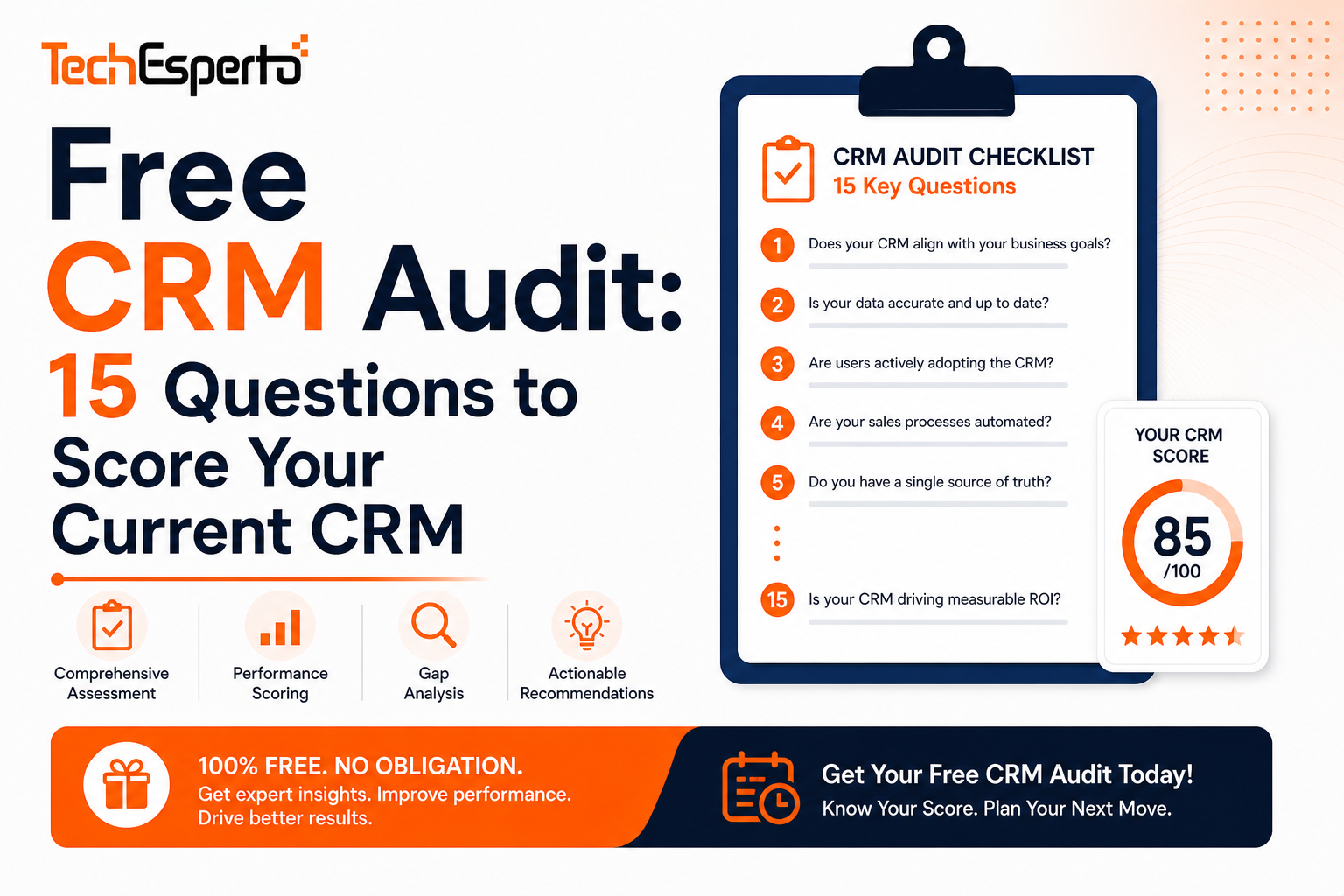
Free CRM Audit: 15 Questions to Score Your Current CRM
How healthy is your CRM? Most businesses don’t know until something breaks — a lost deal, a missed follow-up, a report nobody trusts, or a team that quietly stops using the system.
This 15-question audit scores your CRM across 5 critical areas: adoption, data quality, automation, AI readiness, and ROI. Answer honestly. Each question scores 0–5 points. Your total reveals whether your CRM is generating revenue or costing you money.
Section 1: Adoption (Are People Using It?)
Q1: What percentage of your team logs into CRM daily?
| Answer | Score |
| Under 30% | 0 |
| 30–50% | 1 |
| 50–70% | 2 |
| 70–85% | 3 |
| 85–95% | 4 |
| 95%+ | 5 |
A CRM nobody uses is a CRM that doesn’t exist. If your team tracks deals in spreadsheets, notes in email, and contacts in their phone — your CRM has failed at its fundamental job. Proper training and role-specific dashboards fix this.
Q2: When a new employee joins, how quickly are they productive in CRM?
| Answer | Score |
| They never really learn it | 0 |
| 3+ months | 1 |
| 1–3 months | 2 |
| 2–4 weeks | 3 |
| Under 2 weeks | 4 |
| Day 1 — it’s that simple | 5 |
Long onboarding means your CRM is too complicated. Simplify layouts, hide unused modules, and create role-specific views. AI-powered in-CRM guidance coaches new users in real time.
Q3: Do managers use CRM data in pipeline reviews and team meetings?
| Answer | Score |
| Never — they use spreadsheets | 0 |
| Rarely | 1 |
| Sometimes | 2 |
| Usually | 3 |
| Always | 4 |
| CRM IS the meeting — live dashboards on screen | 5 |
If leadership doesn’t use CRM data publicly, the team learns CRM is optional. Management adoption drives team adoption.
Section 2: Data Quality (Can You Trust It?)
Q4: How many duplicate contacts/accounts exist in your CRM?
| Answer | Score |
| Hundreds+ / no idea | 0 |
| 50–100 | 1 |
| 20–50 | 2 |
| 10–20 | 3 |
| Under 10 | 4 |
| Zero — we have dedup rules | 5 |
Duplicate records poison every report, forecast, and campaign. AI deduplication catches fuzzy matches (“Acme Inc” vs “ACME Incorporated”) that manual cleanup misses. Follow our data import guide for cleaning methodology.
Q5: What percentage of contact records have complete information (email + phone + company + source)?
| Answer | Score |
| Under 30% | 0 |
| 30–50% | 1 |
| 50–70% | 2 |
| 70–85% | 3 |
| 85–95% | 4 |
| 95%+ | 5 |
Incomplete records are invisible to automation — workflows can’t email contacts with no email address. AI data enrichment fills gaps automatically from external sources.
Q6: When your CEO asks “how many active clients do we have?” do you trust the CRM answer?
| Answer | Score |
| No — we’d check manually | 0 |
| Probably not accurate | 1 |
| Within 10–20% | 2 |
| Within 5–10% | 3 |
| Within 1–5% | 4 |
| 100% accurate, real-time | 5 |
If you don’t trust CRM numbers, you won’t use CRM for decisions. And if you don’t use CRM for decisions, what’s it for?
Section 3: Automation (Does CRM Do Work For You?)
Q7: How many automated workflows run in your CRM?
| Answer | Score |
| Zero | 0 |
| 1–3 | 1 |
| 4–8 | 2 |
| 9–15 | 3 |
| 16–30 | 4 |
| 30+ covering every critical process | 5 |
CRM without automation is a database with a login screen. SuiteCRM’s workflow engine is unlimited and free — there’s no reason to have fewer than 10 automations running.
Q8: What happens when a new lead enters your CRM?
| Answer | Score |
| Nothing — someone checks eventually | 0 |
| Notification sent to a manager | 1 |
| Auto-assigned to a rep | 2 |
| Assigned + acknowledgment email to lead | 3 |
| Assigned + email + follow-up task created | 4 |
| Assigned + email + task + AI scored + routed by probability | 5 |
Speed-to-lead is the #1 conversion factor. Leads contacted within 5 minutes convert 21x more. AI lead scoring + workflow routing makes this automatic.
Q9: Are your CRM emails working reliably?
| Answer | Score |
| Email doesn’t work at all | 0 |
| Works sometimes, fails often | 1 |
| Outbound works, inbound doesn’t | 2 |
| Both work but campaigns hit spam | 3 |
| Everything works reliably | 4 |
| Works perfectly + AI drafting + sentiment analysis | 5 |
Email is CRM’s #1 problem — and #1 opportunity. Proper SMTP/OAuth configuration + DNS records (SPF/DKIM/DMARC) + Scheduler verification fix reliability. AI email assistant adds intelligence on top.
Section 4: AI Readiness (Are You Competing in 2026?)
Q10: Does your CRM use AI for lead scoring or deal prediction?
| Answer | Score |
| No — we don’t have AI | 0 |
| We tried AI but it didn’t work | 1 |
| We use basic rule-based scoring | 2 |
| We have AI scoring but only some reps use it | 3 |
| AI scoring is integrated and used by all reps | 4 |
| Full AI suite — scoring + prediction + email + chatbot | 5 |
81% of organizations will use AI CRM by end of 2026. If you scored 0–1, your competitors are ahead. TechEsperto’s AI solutions add scoring, prediction, email AI, and chatbots to SuiteCRM starting at $5,000.
Q11: Can your CRM predict which deals will close and which are at risk?
| Answer | Score |
| No — we find out when they’re won or lost | 0 |
| Managers check manually based on gut feel | 1 |
| We use stage-based probability (static %) | 2 |
| We have some alerts for stalled deals | 3 |
| AI predicts outcomes with risk factors shown | 4 |
| AI predicts + auto-triggers intervention actions | 5 |
Static probabilities lie. A deal at “Proposal” stage with daily activity is very different from the same stage with no activity for 3 weeks. AI knows the difference.
Q12: Does your CRM capture leads from your website after hours?
| Answer | Score |
| No — just a contact form | 0 |
| Contact form + auto-response email | 1 |
| Live chat during business hours only | 2 |
| Chatbot with basic scripted responses | 3 |
| AI chatbot that qualifies and creates CRM records | 4 |
| AI chatbot + auto-scoring + auto-routing to reps | 5 |
60% of website visitors browse outside your hours. A contact form captures 2%. An AI chatbot captures 8–15% — and qualifies them before your team sees them.
Section 5: ROI (Is CRM Making You Money?)
Q13: Has your close rate improved since implementing CRM?
| Answer | Score |
| It’s gotten worse | 0 |
| No change | 1 |
| Slightly improved (5–10%) | 2 |
| Moderately improved (10–20%) | 3 |
| Significantly improved (20–40%) | 4 |
| Dramatically improved (40%+) | 5 |
CRM should directly improve close rates through better follow-up, pipeline visibility, and data-driven coaching. If your rate hasn’t improved, the CRM isn’t configured for revenue generation.
Q14: Can you calculate your CRM’s ROI?
| Answer | Score |
| No idea | 0 |
| Probably negative | 1 |
| Breaking even maybe | 2 |
| Positive but can’t quantify | 3 |
| Measurably positive (2–5x) | 4 |
| Clearly positive (5x+) | 5 |
If you can’t measure ROI, you can’t improve it. CRM should have measurable impact on conversion rate, deal velocity, customer retention, and rep productivity. Read our cost analysis.
Q15: Are you paying more for CRM than it generates in value?
| Answer | Score |
| Definitely yes — CRM is a cost center | 0 |
| Probably yes | 1 |
| It’s roughly break-even | 2 |
| CRM generates some value | 3 |
| CRM clearly generates more than it costs | 4 |
| CRM is our #1 revenue tool — wouldn’t operate without it | 5 |
If your CRM is a cost center, something is fundamentally wrong. A properly configured CRM with AI should return 5–10x its cost through improved conversion, retention, and productivity. See our CRM implementation cost guide.
Score Your CRM
Add up your points across all 15 questions:
| Total Score | CRM Health | What It Means |
| 60–75 | 🟢 Excellent | Your CRM is a revenue machine. Consider adding AI to go further. |
| 45–59 | 🟡 Good | Solid foundation but leaving money on the table. AI + optimization = significant uplift. |
| 30–44 | 🟠 Needs Work | Your CRM is underperforming. Professional optimization needed — contact us. |
| 15–29 | 🔴 Critical | Your CRM is actively costing you revenue. Urgent intervention required. |
| 0–14 | ⚫ Failing | Your CRM has essentially failed. Rebuild with professional help or migrate to a better-configured platform. |
What to Do Based on Your Score
Score 45+ (Green/Yellow): Optimize & Add AI
Your CRM works — now make it exceptional. Focus on AI integration to amplify what’s already working: AI lead scoring, deal prediction, email AI, and chatbot.
Score 30–44 (Orange): Professional Optimization
You have a foundation but it’s leaking revenue. You need workflow repair, data cleanup, reporting overhaul, and user adoption improvement. A CRM partner fixes this in 4–8 weeks.
Score 15–29 (Red): Intervention Required
Multiple critical failures. Data is unreliable, adoption is low, automation barely exists, and AI is absent. This needs a comprehensive rebuild — implementation from a professional team.
Score 0–14 (Black): Start Fresh
Your CRM has fundamentally failed. Options: complete rebuild on the same platform, or migrate to SuiteCRM with proper configuration + AI from day one. Starting fresh is often faster and cheaper than fixing a deeply broken system.
Get Your Score Analyzed by Experts
Numbers are useful — but context matters. A score of 35 for a 5-person startup means something different than 35 for a 50-person company.
TechEsperto provides free, expert CRM assessments. We’ll review your score, analyze which fixes deliver the highest ROI for YOUR specific business, and provide a prioritized action plan with AI recommendations.
No cost. No commitment. Just an honest assessment from the Official SuiteCRM Professional Partner who’s optimized CRM for 150+ businesses across healthcare, manufacturing, insurance, construction, legal, recruitment, automotive, and more.
Get your free CRM assessment →
FAQs
Q: How long does this audit take? 5 minutes to answer the questions yourself. The free expert assessment takes a 30-minute consultation where we dig deeper into your specific situation.
Q: What if I scored low but can’t afford a partner? Start with the free fixes: simplify layouts, hide unused modules, clean obvious duplicates, build 3 core workflows. These cost $0 and improve your score by 10–15 points. Add professional help when budget allows.
Q: Is this audit specific to SuiteCRM? No — it applies to any CRM (Salesforce, HubSpot, Zoho, Dynamics, SuiteCRM). The questions are platform-agnostic. The fixes we recommend may vary by platform.
Q: What’s the fastest way to improve my score? Fix #3 (workflows) and Fix #8 (lead response automation) deliver the fastest revenue impact. Fix #1 (adoption via dashboards) has the highest long-term value.
Q: Can AI really improve my CRM score? AI typically adds 15–25 points to your score across adoption (smart dashboards), data quality (enrichment), automation (intelligent routing), and ROI (conversion improvement).
Q: What does the free assessment include? Score analysis, prioritized fix recommendations, AI opportunity identification, estimated ROI per fix, and a rough budget for professional implementation. Delivered in a 30-minute video call.
Q: How do I share this audit with my team? Have each team member score independently, then compare. The gaps between scores reveal where perception differs from reality — powerful for getting buy-in on CRM investment.
Q: What’s the first step after scoring? Contact TechEsperto for the free expert assessment, or start with the DIY fixes for your lowest-scoring sections.